
Design guidelines
Consistent use of design ensures a cohesive and recognizable HRCI brand experience.
Logo
This is the primary HRCI logo for all communications. It is bold and confident. Do not stretch, skew, or alter the spacing for any reason.
 Download Logo
 Logo color usage
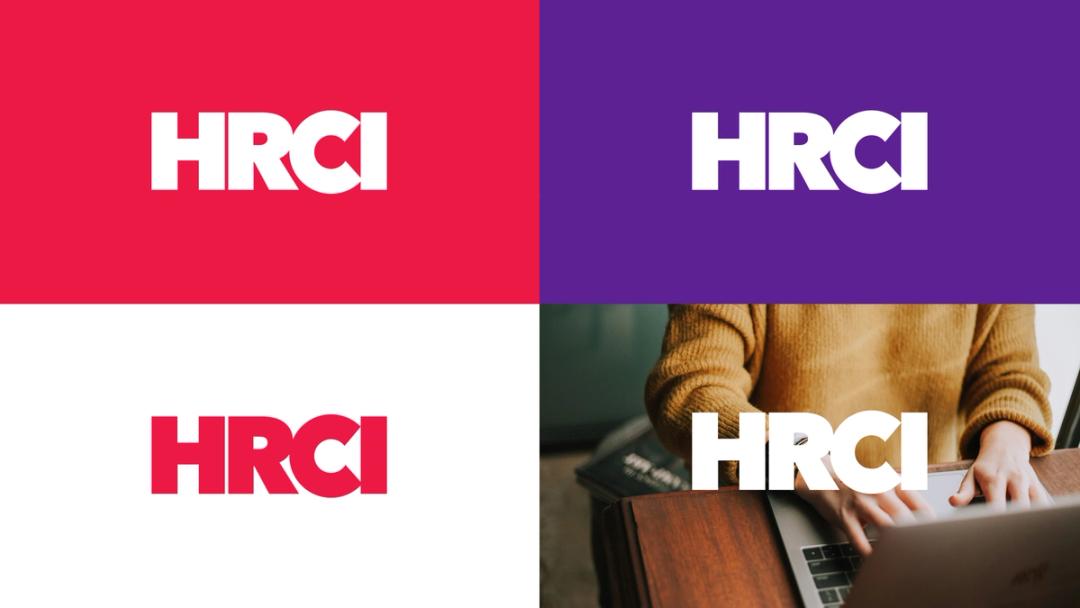
The primary HRCI logo color is purple. The logo color may be changed to white or red to allow flexibility for background color, publication tone, and other applications.
Clear space and minimum size
Minimum size
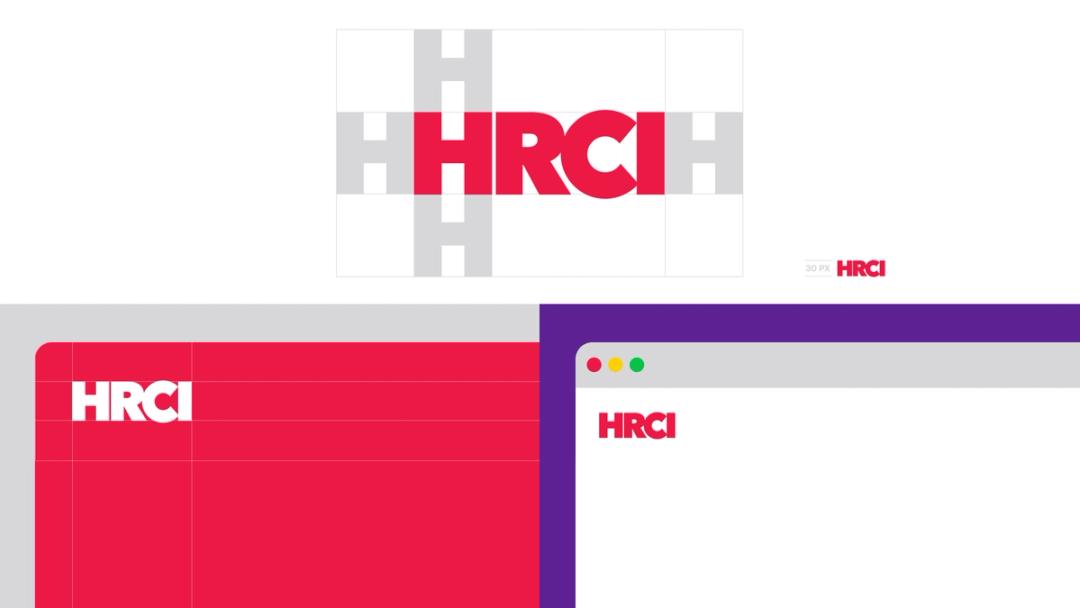
For clarity, the HRCI logo should never appear smaller than 30px tall on screens. Clear space The HRCI logo needs space to look its best. Follow the spacing rules here to ensure other elements do not encroach on its presence.
Logo usage
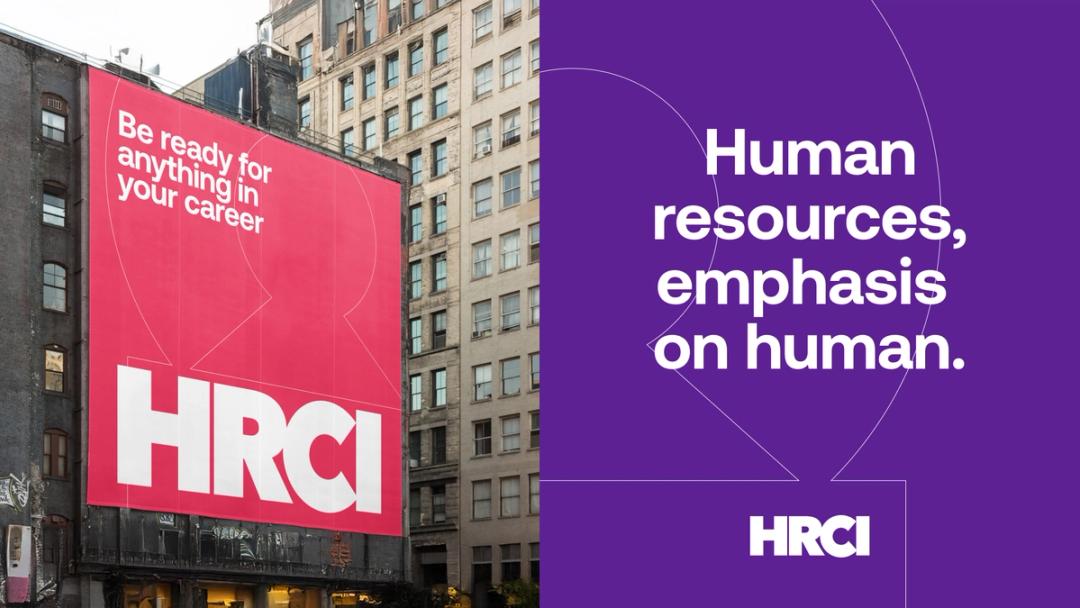
The HRCI logo can be used as the primary graphic in communications or as a secondary element to sign off on messaging.
Be mindful of sizing and ensure sufficient contrast between the logo and surrounding content.
Symbol
Created by isolating and rotating the CI from our primary logo, this secondary symbol should only be used as a supporting element and never as the main focal point.
 Download Symbol
 Sub-brand logos
HRCI sub-brand logos have two orientations to accommodate different spaces. Do not change the size relationship between the HRCI wordmark and the sub-brand name.
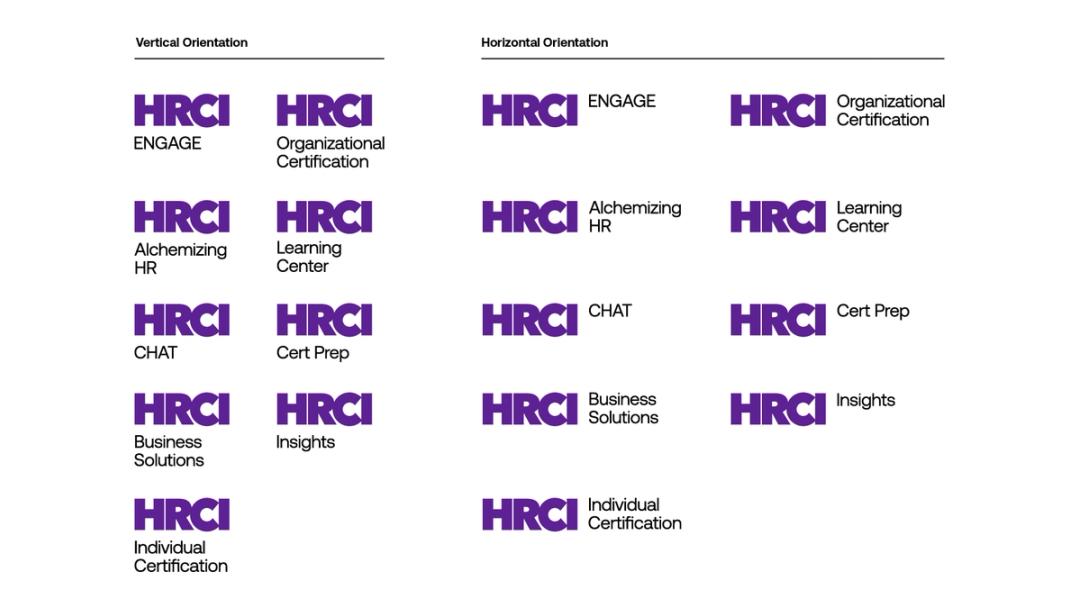 Download Sub Brand Logos
 Partnership lockups
When HRCI partners with other organizations and a partnership logo is needed, follow these guidelines: The HRCI logo and partner logo should be the same height, separated by a black vertical line. The distance between the line and each logo should be the same width as the “I” in the HRCI logo.
 Download partnership template
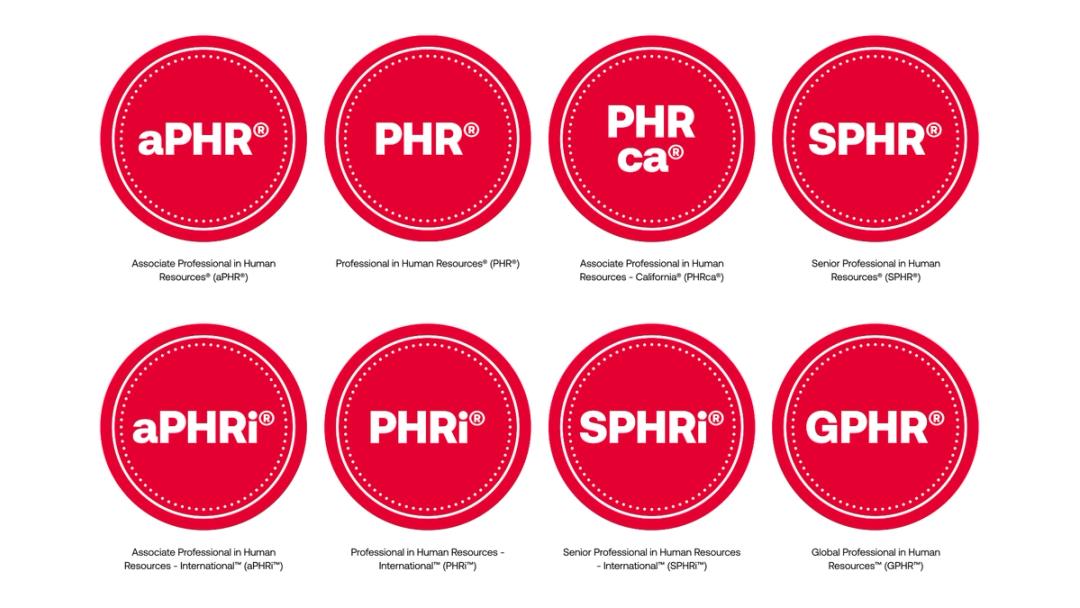
 Certification Seals
Minimum Size of Certification Seals: To ensure the greatest possible legibility and impact, never reproduce the HRCI certification seal height smaller than 0.5” for print and 90 pixels for web
 Download partnership template
 Color
Our set of colors are bold and contemporary. Our primary colors are red and purple. Marquee brand moments should always be in purple and white or red and white. In applications where a variety of branded pieces are being seen at the same time as (social media, image galleries, etc) use our secondary palette. This set of colors provides variety while allowing buttons and calls to action to remain distinct.
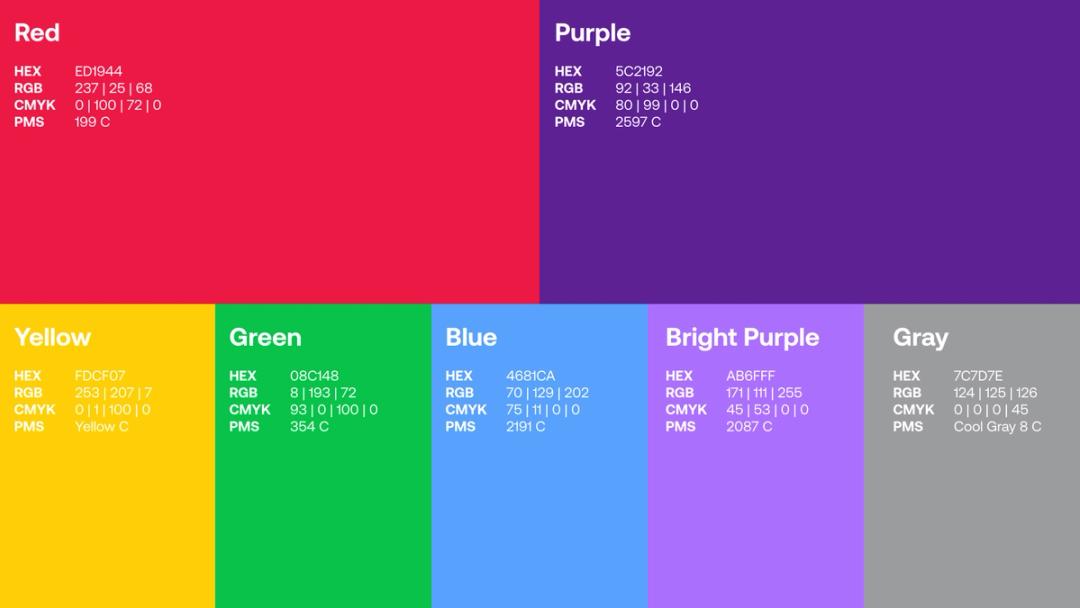 Download Color
 Color values
Color values for easy copy and paste.
Red
- Pantone 199c
- CMYK 0/100/72/0
- RGB 237/25/68
- Hex #ED1944
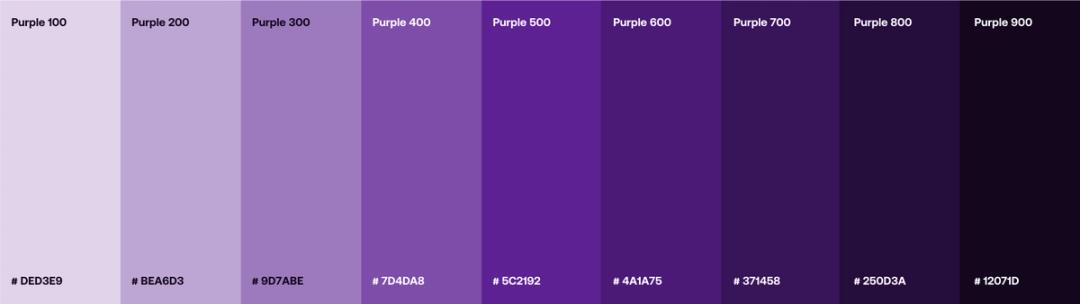
Purple
- Pantone 2597
- CMYK 80/99/0/0
- RGB 92/33/146
- Hex #5C2192
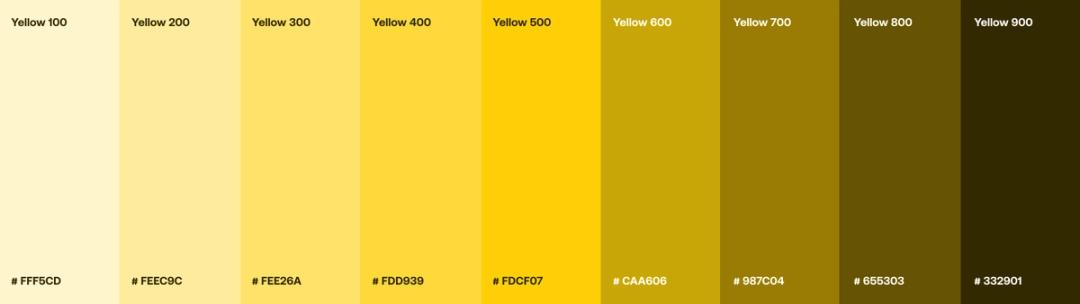
Yellow
- Pantone Yellow C
- CMYK 0/1/100/0
- RGB 253/207/7
- Hex #FDCF07
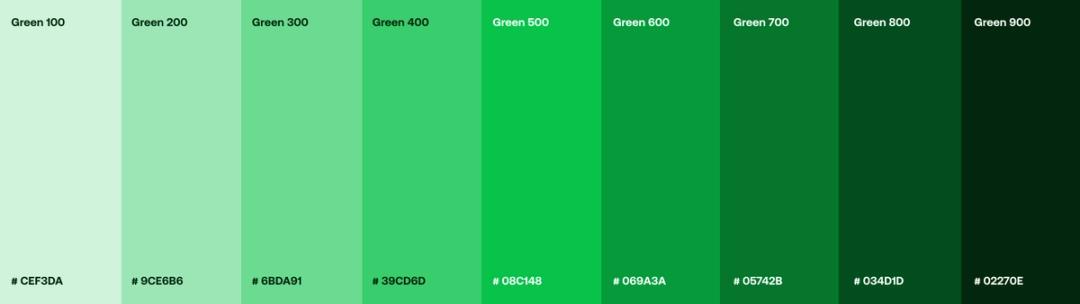
Green
- Pantone 354
- CMYK 93/0/100/0
- RGB 0/193/72
- Hex #08C148
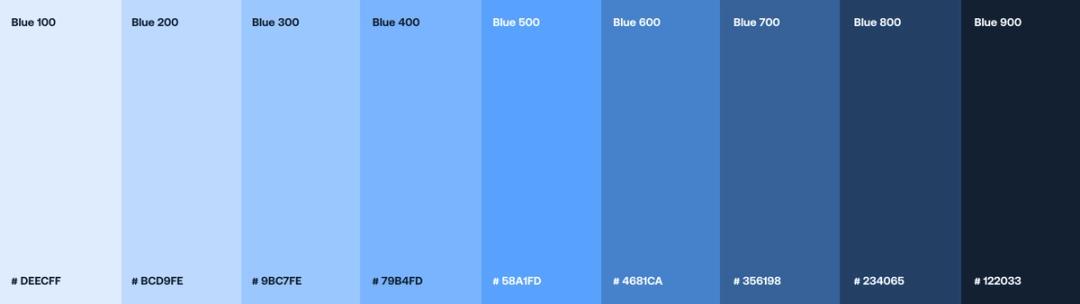
Blue
- Pantone 2191
- CMYK 75/11/0/0
- RGB 70/129/202
- Hex #4681CA
Bright Purple
- Pantone 2087
- CMYK 45/53/0/0
- RGB 171/111/255
- Hex #AB6FFF
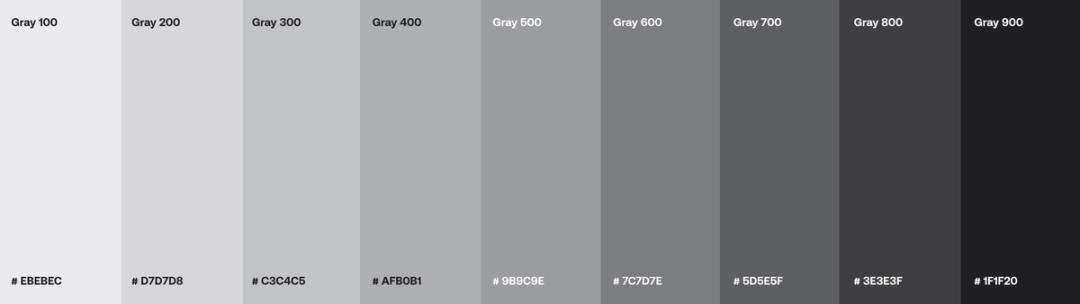
Gray
- Pantone Cool Gray 8
- CMYK 0/0/0/45
- RGB 124/125/126
- Hex #7C7D7E
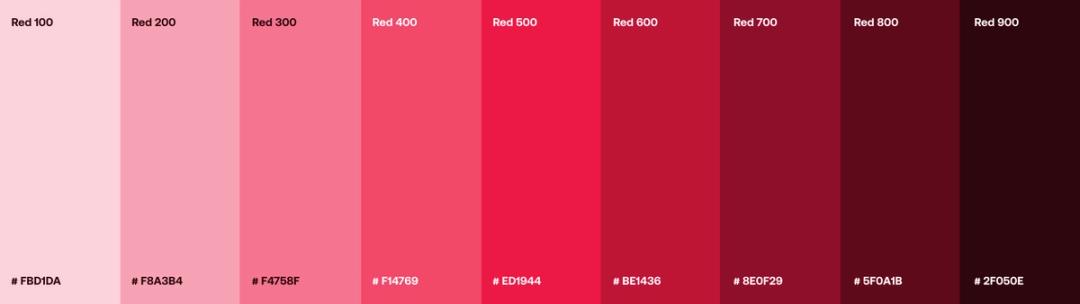
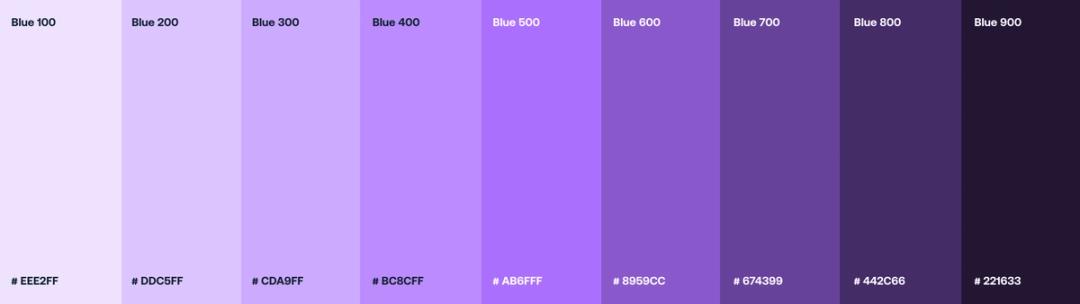
Color tints and shades
Each color in our palette has a range of tints and shades that can be used for a more subtle effect.
Red
Purple
Yellow
Green
Blue
Bright purple
Gray
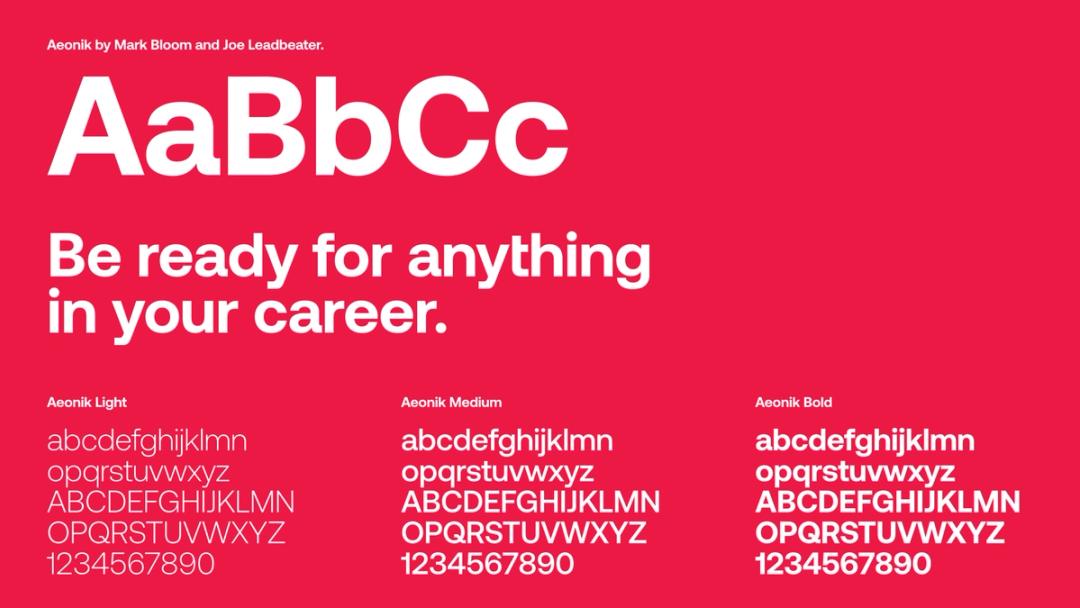
Typography
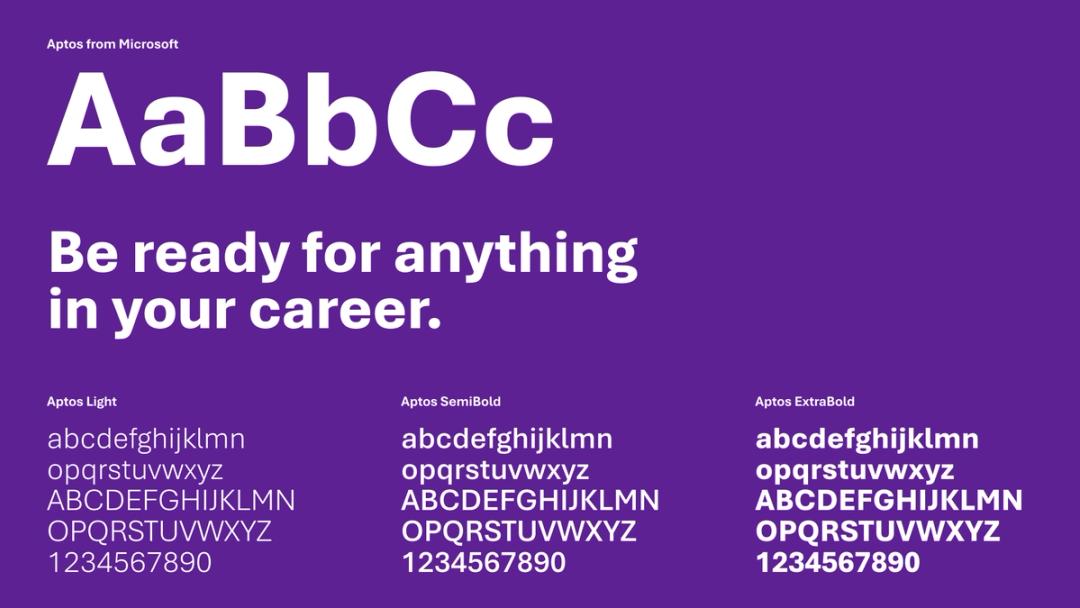
In applications like Microsoft Office programs, where downloading and installing fonts may be a barrier to consistency, use the Aptos font family instead.
Free alternative
In applications where downloading an installing fonts will be a barrier to consistency, like Microsoft Office programs, use the Aptos font family instead.
Alignment
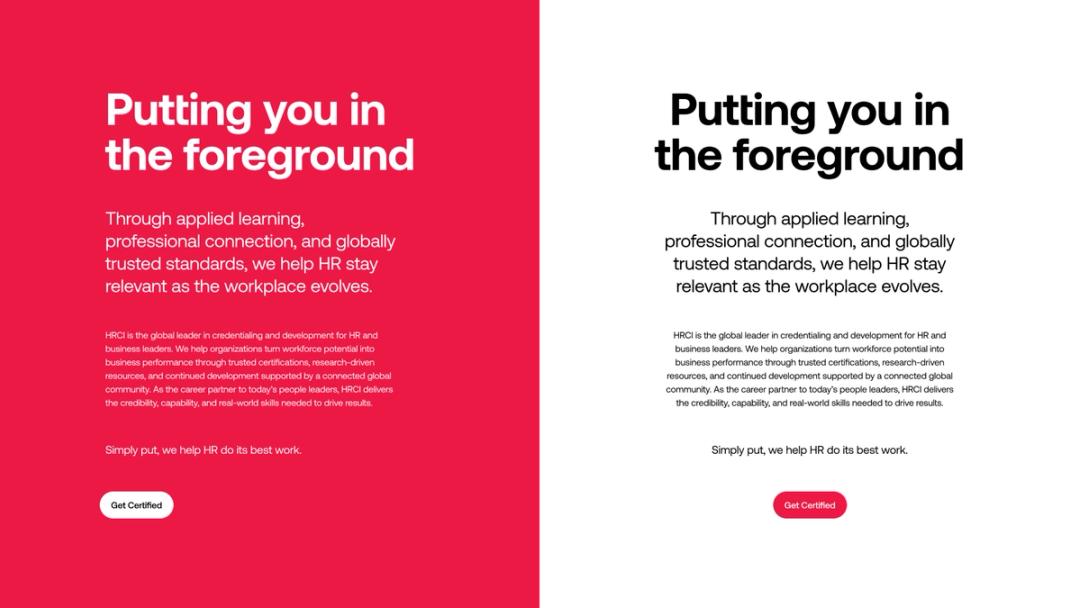
Type should only ever follow one alignment per composition. It should either be ALL left-aligned or ALL center-aligned. It should never be right-aligned.
Alignment misuse
Do not mix and match alignments.

Type scale
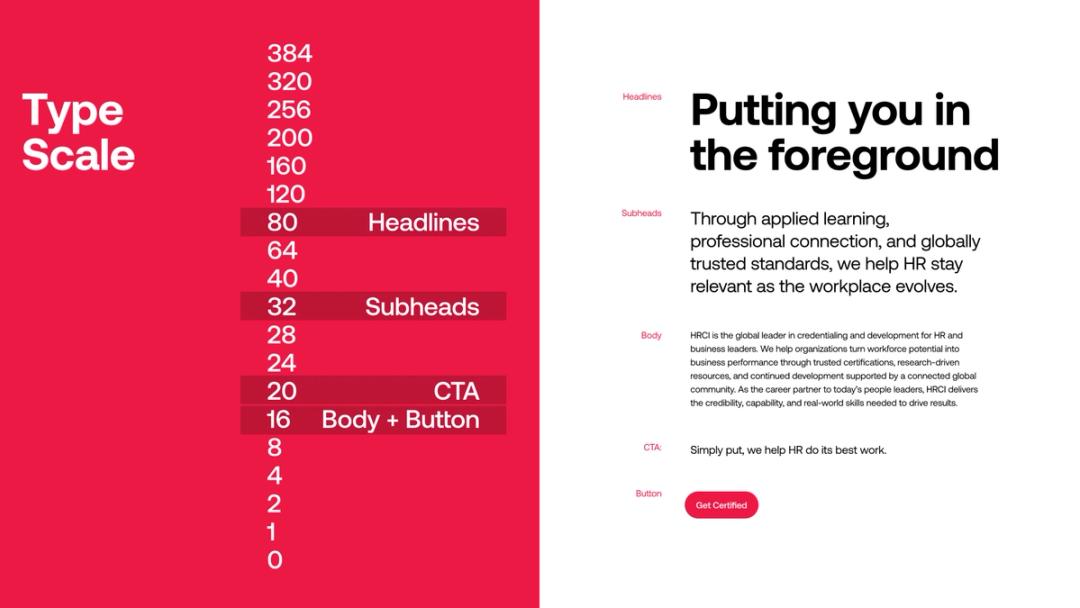
HRCI uses an 8-point scale to determine type sizes.
Color usage
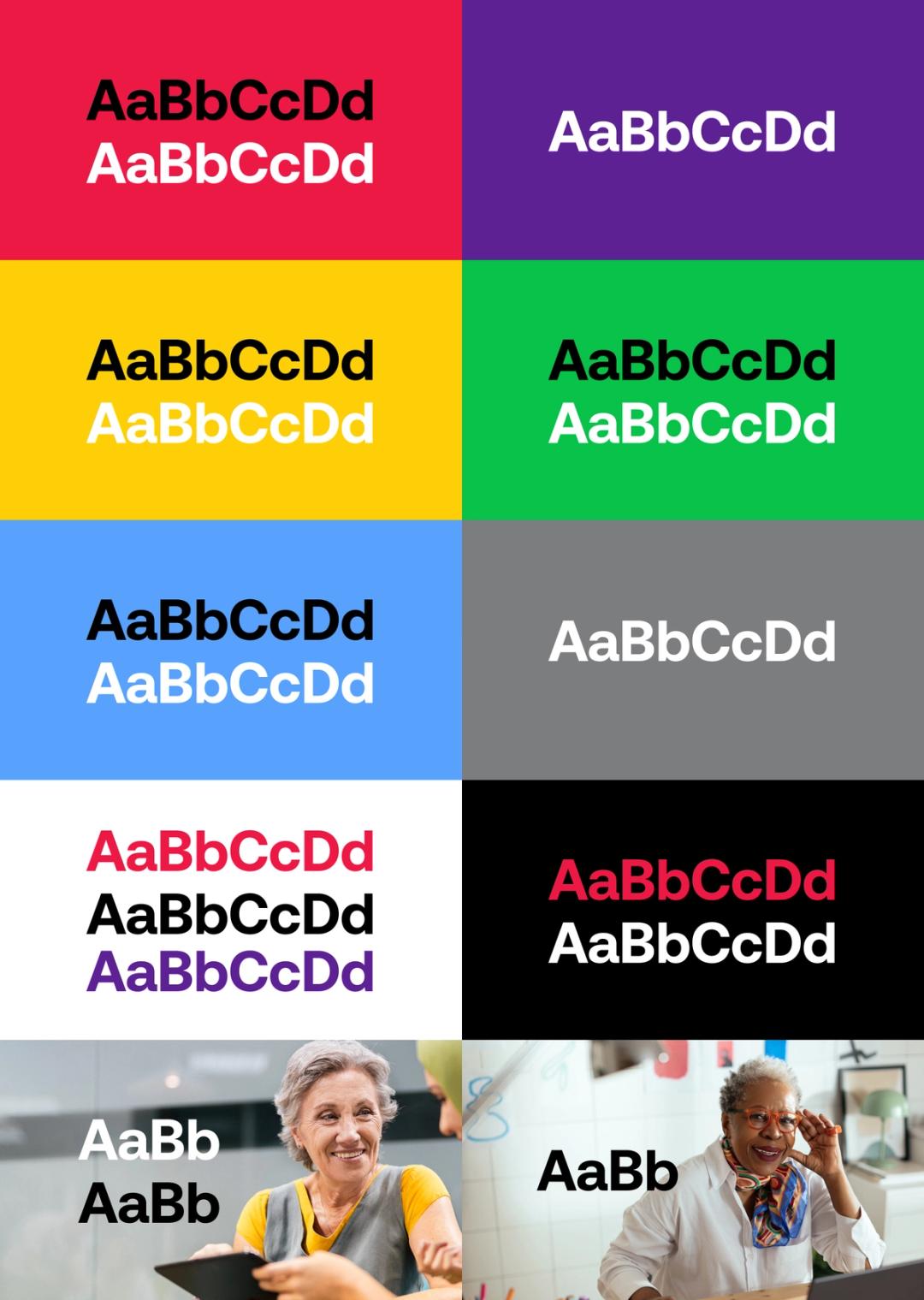
To ensure legibility and contrast, only use the following color combinations for typography.
Background graphics
When we need to add interest or ownership to fields of color, we use a cropped version of our symbol to create background graphics. The symbol should always have a white outline on colors.
 Download backgrounds